
How to Clean a Mouse Pad
How to Clean a Vinyl Mouse Pad Without Damaging the Anti-Slip Rubber Bottom
If you are searching for how to clean a mouse pad, you probably want your mouse pad to feel smooth again and maintain accurate tracking. Cleaning a mouse pad is also about protecting the anti-slip rubber bottom and the vinyl top, so it stays comfortable for daily use. In this guide, you will learn how to clean a mouse pad step by step, using the right cloth, soap, and water so you can clean effectively and keep the surface consistent. This is written specifically for a vinyl mouse pad with a non-slip back that protects your desk from scratches and wear, and supports a steady glide for your mouse.
Because this mouse pad has a smooth vinyl surface, it is usually easier to clean than a fabric mouse pad, but you still want to avoid abrasive tools and harsh cleaning products. A quick wipe with a damp cloth often removes light grime and debris, while deeper cleaning helps with build-up from grease and accumulation over time. If you want to upgrade or match your setup after you clean your mouse pad, you can also check a mouse pad option in different orientations and sizes. The goal is simple: a clean mouse pad that helps ensure optimal performance and a more comfortable work or gameplay session.
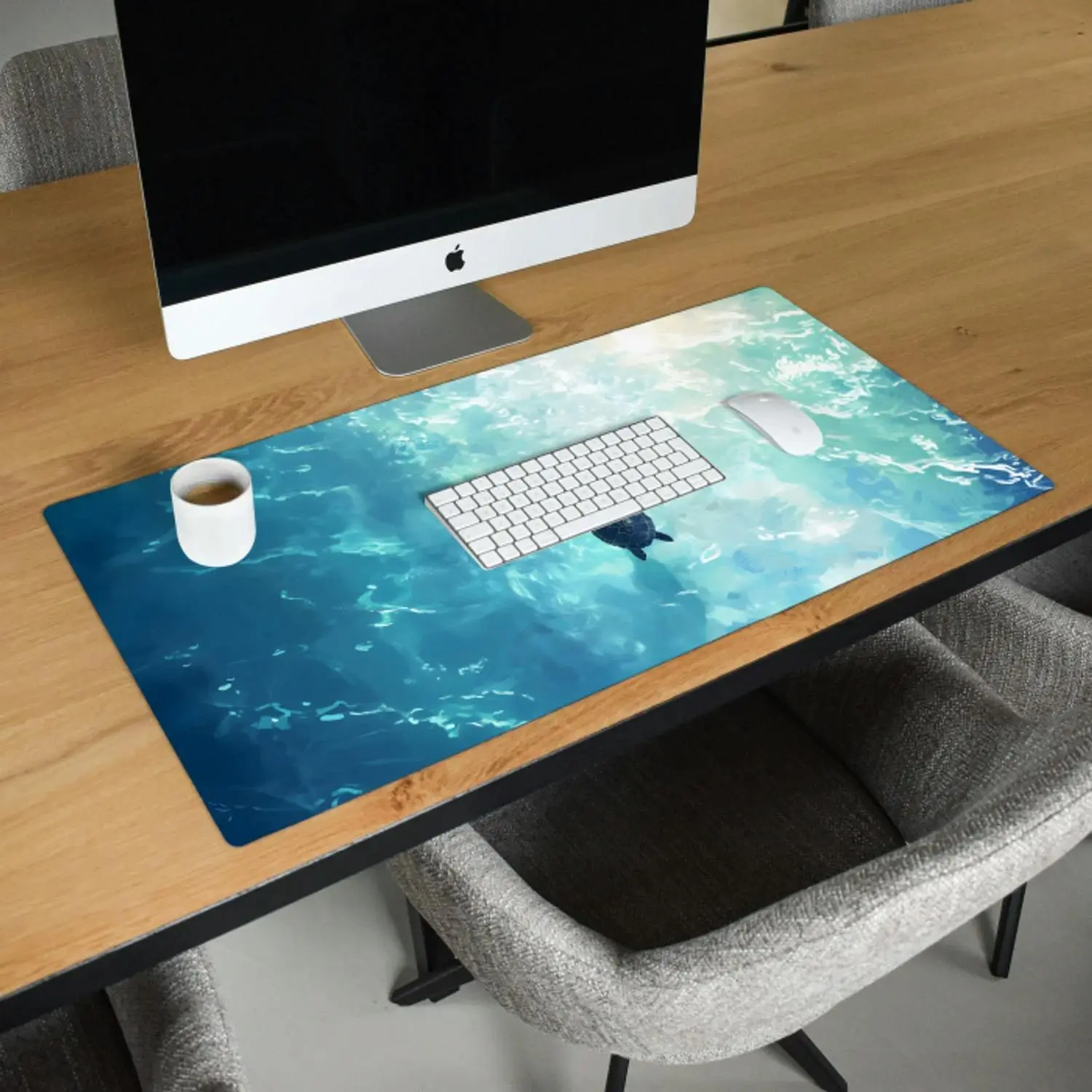
Clean Mousepad Setup: Cloth, Soap, and Cold Water for a Smooth Mouse Pad
Before you clean a mouse pad, gather a few gentle items so you can clean without risking damage to the vinyl and the rubber bottom. You do not need special gear, but the right cloth and soap matter because residue can make the pad feel sticky and reduce responsiveness. For most mouse pads, including a vinyl mouse pad, lukewarm water works well, and you can also use cold water when you want to be extra cautious. Make sure you unplug any nearby peripherals and move your gaming mouse away so you do not splash it.
- Two cloth options: a microfibre cloth and a soft cloth, plus one extra cloth for drying.
- Soap: washing-up liquid or hand soap; choose a mild soap, and use only a small amount.
- A sponge for larger areas, and a toothbrush for edges or textured spots.
- A towel to press out excess water and help it dry faster.
This mouse pad comes in round, square, portrait, and landscape orientations, and sizes from 23x19 up to 80x60, including popular 60x40 and other formats like 27x18 cm and 40x30 cm. Larger pads simply need a bit more room to rinse and dry, so plan your space first. If you use a desk-pad-sized mouse pad, clearing the area makes the steps to clean much easier and prevents new debris from landing on the surface while it is wet.
Steps to Clean Your Mouse Pad by Hand
The safest way to clean your mouse pad is by hand, especially when you want to protect the anti-slip backing and keep the vinyl top perfectly smooth. Start by shaking off loose debris, then wipe the surface with a dry microfibre cloth to remove dust and grit that could scratch during cleaning. Next, lightly dampen a soft cloth or sponge with lukewarm water and add a drop of washing-up liquid or hand soap. Gently wipe the surface in circular motions. This is the most reliable way to clean your mouse pad and get it back to its former glory without affecting durability.
- Shake off loose dust and debris from the mouse pad.
- Wipe the surface with a dry microfibre cloth to remove dust and grit.
- Lightly dampen a soft cloth or sponge with lukewarm water and add a tiny amount of mild soap or washing-up liquid.
- Gently clean the vinyl top in circular motions, focusing on areas with grime, grease, or build-up.
- Use a soft toothbrush for corners and edges, especially where your wrist rests.
- Wipe away any remaining soap residue with a clean, lightly damp cloth.
After cleaning, press the surface gently with a towel to remove excess moisture. Avoid twisting the pad because that can stress the rubber bottom over time. Finally, let it air-dry flat with the backing facing down so it does not pick up lint. When you follow these steps, you keep a consistent glide that supports optimal performance for work and gaming.
Can You Put a Mouse Pad in the Washing Machine?
For this vinyl mouse pad with an anti-slip rubber bottom, a washing machine is not recommended, even if you see people do it with other mouse pads. The agitation, spinning, and detergent strength can affect the rubber bottom, and it can also leave residue that changes how the mouse pad feels under your hand. If you still consider using a washing machine, use cold water and a very gentle cycle, but understand it is not the safest choice for long-term lifespan. Hand-washing is the best way to clean a mouse pad like this and keep the smooth tracking surface consistent.
If you ever try it anyway, never use a tumble dryer afterwards because heat can warp the pad and weaken the anti-slip layer. A hairdryer is also risky because concentrated heat may cause the vinyl to deform, so drying should be patient and air-based. The safest guidance is: skip the washing machine, skip the tumble dryer, and clean a mouse pad by hand with mild soap. That approach keeps the mouse pad comfortable and helps avoid issues that show up later during gameplay.
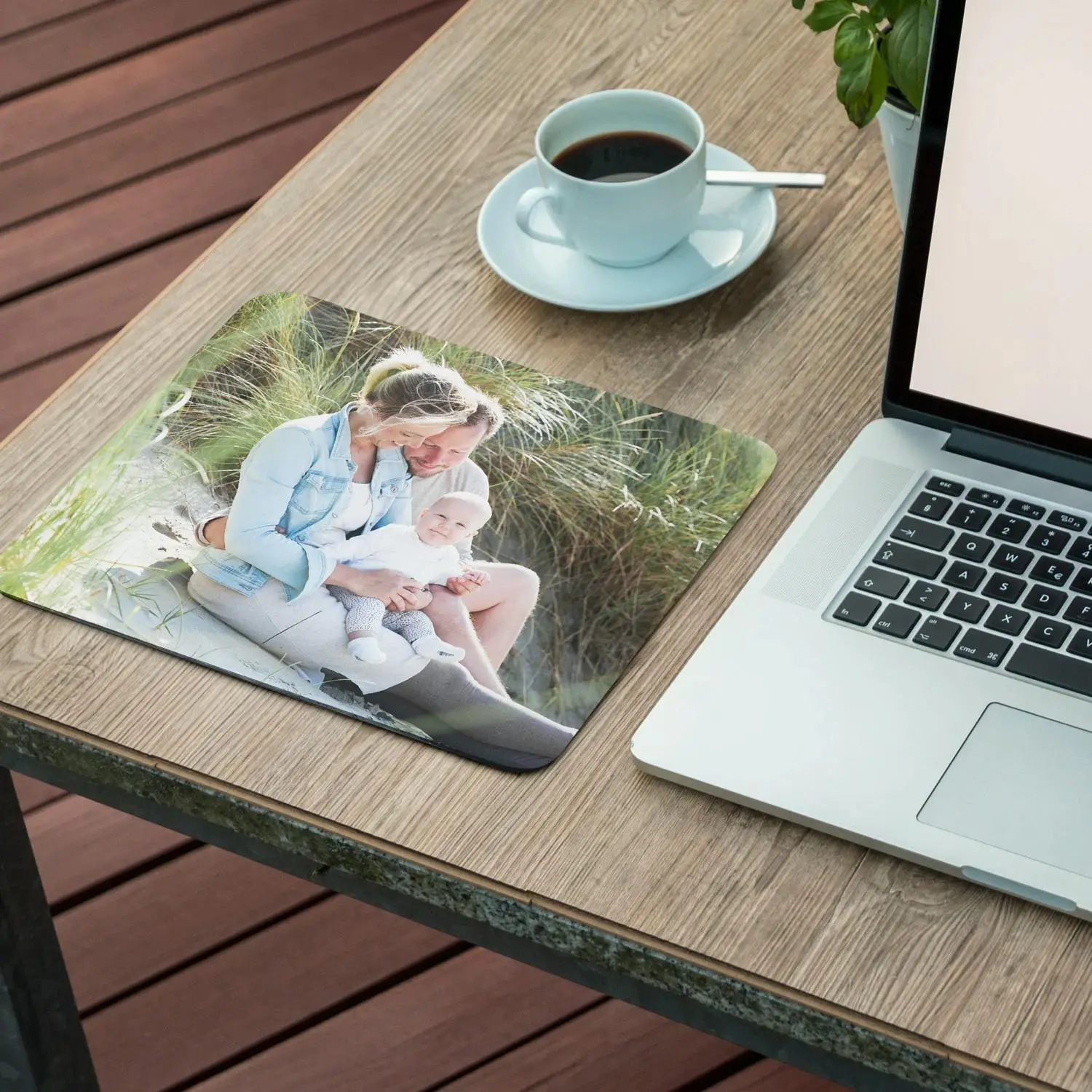
Clean a Mouse Pad After Spills, Stubborn Stains, and RGB Desk Setups
If you have a spill, clean it immediately so the affected area does not develop a stain or sticky patch. Blot first with a dry cloth, then use a damp cloth with a small amount of soap and cold water to lift the mess without spreading it. For stubborn stains, let it sit briefly with suds on top, then gently scrub once and rinse well. This prevents build-up and keeps the pad feeling smooth for a reliable glide.
If your setup includes RGB lighting around your desk, you may notice dust more quickly, which can make a clean mouse pad feel dirty again sooner. Regular maintenance matters: a quick wipe every few days reduces accumulation, especially if you snack at your desk or have oily hands. This is also helpful for a gamer who plays for long sessions, because a clean surface improves control and reduces micro-skips. If you are setting up a larger surface for keyboard and mouse, a gaming mouse pad size can be easier to keep consistent because it stays flat and stable.
Drying: Air-Dry in a Well-Ventilated Area and Avoid Direct Sunlight
Drying is where many people accidentally damage a pad, so take it slow and do it properly. After you rinse, press the mouse pad between a towel and your palm to remove excess water, then wipe once with a clean microfibre cloth to reduce drying time. Next, let it dry by laying it flat, or hang it to dry by draping it over a clean bar so air can circulate. The goal is to air-dry in a well-ventilated area so moisture does not linger under the rubber bottom.
Avoid direct sunlight to help prevent warping and keep the vinyl surface from changing texture. Do not use a tumble dryer, and do not use a hairdryer, because heat can reduce durability and make the pad less stable on your desk. When it is fully dry, run your hand across the surface to ensure it feels even and not tacky, which would suggest leftover residue. A properly dried mouse pad supports smooth tracking and helps protect your desk from scratches and wear.
Maintenance Tips for Clean Mouse Pads, Better Tracking, and Gameplay Consistency
Mouse pads require small habits more than occasional deep cleaning, especially if you want consistent responsiveness. A quick wipe with a microfibre cloth every week prevents grime and debris from embedding and keeps your mouse pad feeling fast. If you use a clean mouse and keep crumbs away, you will see less build-up and fewer moments where the cursor feels off. This kind of regular maintenance is what keeps optimal performance steady for work and gameplay.
- Do a light wipe with a damp cloth after heavy daily use, then air-dry for a few minutes.
- Use mild soap only when needed, and rinse well to avoid residue.
- Spot-clean immediately after a spill, especially near the wrist area.
- Avoid abrasive scouring pads; use a sponge or soft cloth instead.
- If you want a larger surface, choose a large computer mouse pad size so your pad stays stable and flat.
If you are choosing a size, 60x40 is the most popular because it balances space and easy cleaning, while 80x60 gives more room like a desk pad. The vinyl surface is designed for smooth tracking and comfort, and the anti-slip backing helps it stay put. If you prefer a lighter look, a white mouse pad can look great, but it benefits from more frequent wipe-downs to keep it looking clean.
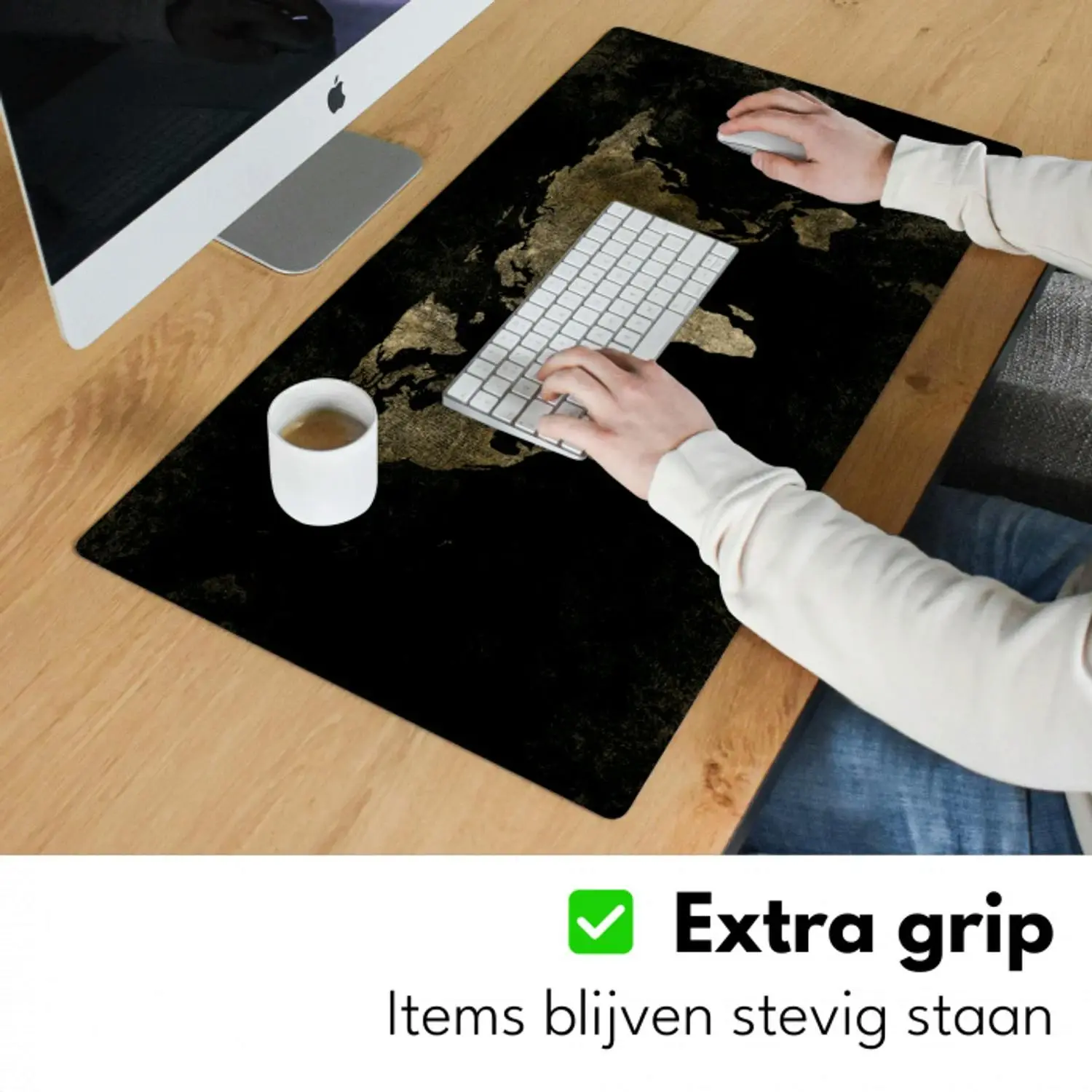
Choose the Right Size and Orientation After You Clean a Mouse Pad
Once you know how to clean a mouse pad, the next question people ask is whether their current size and orientation still fit their desk habits. A round or square mouse pad can be perfect for compact desks, while portrait and landscape options help you align with your keyboard position and arm movement. Because this vinyl pad protects your desk and improves comfort, choosing the right footprint can reduce wear on the desk surface and make cleaning simpler. A larger pad also spreads out contact points, which can reduce localised grime and make stains less likely.
If you want something unique after you clean a mouse pad and refresh your setup, you can also explore custom computer mouse pads for a look that matches your workspace. For people who want maximum room, there is also an XXL option alongside the standard size range from 23x19 to 80x60. Whatever you choose, the key is that the smooth vinyl top supports accurate tracking, and the anti-slip rubber bottom keeps it stable. That combination is great for both focused office work and gaming sessions.
Upgrade Your Clean Mouse Pad Experience
If you want a mouse pad that is easy to clean, stays stable with an anti-slip rubber bottom, and delivers smooth tracking on a vinyl surface, choose a size and orientation that fits your desk and routine. Pick your preferred format, from compact 23x19 to the most popular 60x40 or even XXL, and enjoy a comfortable surface that protects your desk from scratches and wear. Explore the large computer mouse pad options and choose the mouse pad that matches how you work and play.
For daily use, a quick wipe with a microfibre cloth once a week keeps the surface clean and consistent. Deep-clean with soap and water when you notice build-up, grime, or reduced glide.
Use washing-up liquid or hand soap in a small amount, ideally a mild soap, then rinse well to prevent residue. Avoid strong cleaning products because they can affect the vinyl finish and feel.
Spot-clean the affected area with a damp cloth, a little soap, and cold water, then let it sit briefly before a light scrub. Rinse thoroughly and air-dry flat so the rubber bottom stays stable.