
Cleaning Mouse Pad
Cleaning and drying Mouse Pad: step by step for a clean mouse pad surface
It's best to clean a mouse pad as soon as you notice that the mouse moves less smoothly or when you see spots on the smooth surface. With our vinyl Mouse Pad, you'll notice it quickly: the surface is made for good tracking, so dirt and skin grease can make the movement just a little slippery. Fortunately, cleaning a vinyl mouse pad is easy and you don't have to scrub hard to get a clean mouse pad again. This guide tells you exactly how to go about cleaning your mouse pad, how to let it dry safely and what to avoid. If you are looking at different sizes or shapes, you will find them in our mouse pad collections.
Why regular cleaning is important for surface and tracking
Our Mouse Pad is functionally designed: a smooth vinyl surface for accurate tracking of your mouse and a non-slip coating on the back to keep it from sliding. Precisely because the surface is so smooth, dust, crumbs and skin grease can become noticeable more quickly during normal use or daily intensive work and gaming. Regular maintenance prevents dirt from accumulating and helps extend the life of the top layer, keeping your desk better protected from scratches and wear too. Keeping a Mouse Pad clean also feels more comfortable on your wrist, especially if you spend a lot of time behind your keyboard.
You can often tell by little signs that it's time for cleaning, such as a dull spot, a sticky feeling or a mouse that is just a little less responsive. This can be especially noticeable in gaming, when you make quick movements and consistency is important. Even if you have a new Mouse Pad, it's smart to stick to a simple cleaning method right away, so dirt doesn't have a chance to bake in. By just cleaning every now and then, you avoid having to clean thoroughly later.
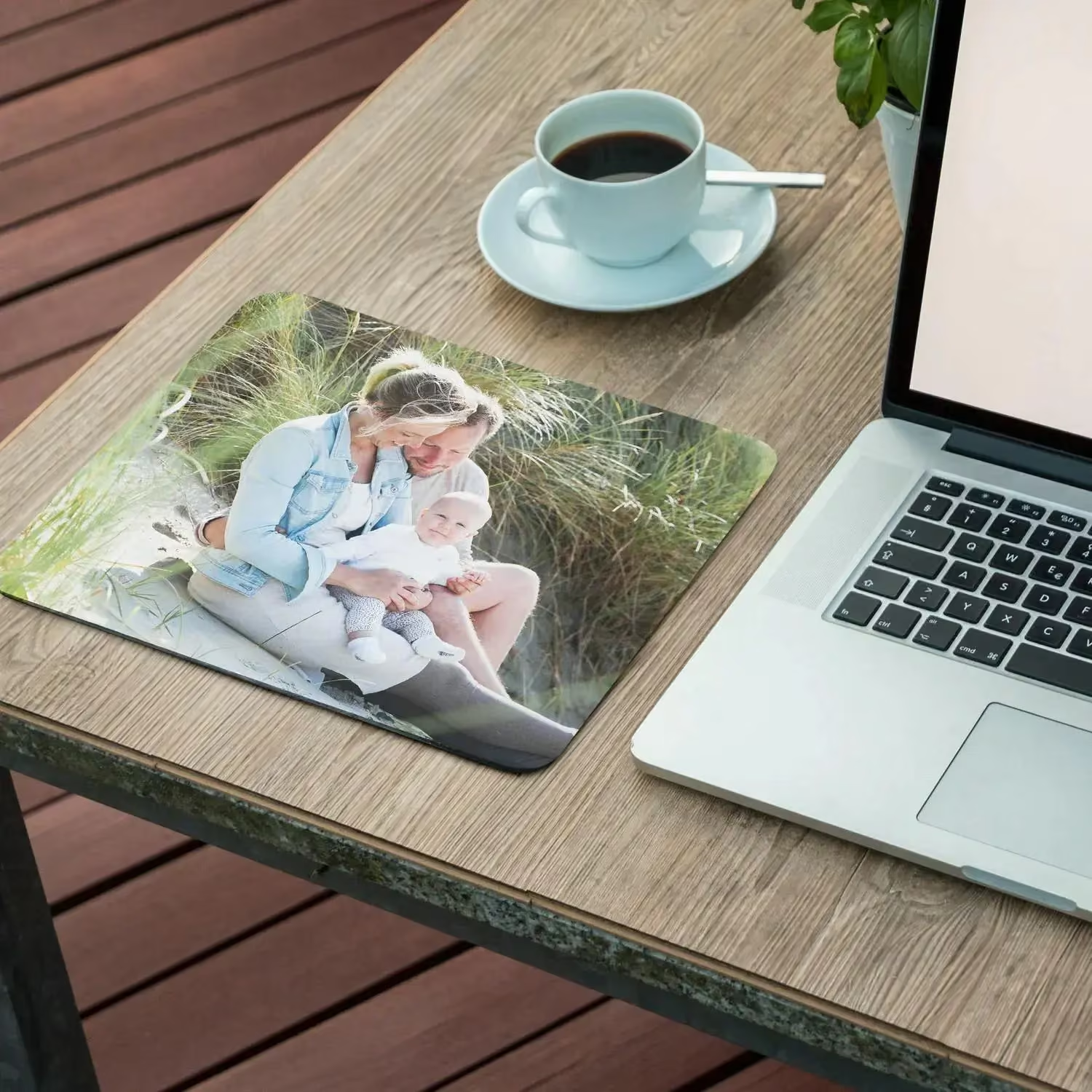
Cleaning Mouse Pad with lukewarm water, soap and a microfibre cloth: the best cleaning
The safest approach for our vinyl mouse pad is cleaning with lukewarm water and mild soap. First moisten a microfibre cloth or microfibre cloth lightly with lukewarm water and add a small amount of dish soap; dish soap is often just mild enough. Gently wipe the surface and rub with light pressure in one direction to remove dirt without damaging the top coat. If you see stains, go over it again with the same cloth, but avoid hard rubbing or scrubbing.
If you want a little more grip while cleaning, use a soft sponge with mild soap or a little hand soap. Work in small sections and rinse the sponge in between, so that dirt is not spread back over the surface and nothing can be left behind. Next, take a clean, slightly damp cloth to remove soap residue and rinse the surface, so to speak, without soaking it. Then dry with a towel by dabbing, so you don't make any streaks and the Mouse Pad can dry completely cleanly.
Mouse Pad drying and drying: how to avoid damage from direct sunlight or the dryer
After cleaning, drying is at least as important as the cleaning itself. Preferably let it air dry: lay the Mouse Pad flat and choose air drying in a well-ventilated room. Avoid direct sunlight, as heat and UV can ruin or eventually discolour the top layer. Do not use a dryer either; the combination of heat and movement can negatively affect the non-slip layer and any adhesive layer.
Let the Mouse Pad dry completely before putting it back under your mouse and keyboard. If it is still damp, it may attract dust faster and the bottom may not grip the desk as well. If you want to speed up the process, gently pat it again with a dry towel and then leave it quietly. This will keep the Mouse Pad clean and maintain the comfortable working experience you would expect from vinyl.
What to avoid when cleaning: washing machine, harsh detergents and all-purpose cleaner
Some Mouse Pads can stand up to more, but with a vinyl mouse pad, it's smart to avoid certain things. Don't put it in the washing machine: the programme, hot water and spin can damage the top layer and affect the non-slip coating. Also, do not use harsh detergents or cleaners with solvents, as they can dull or even ruin the surface. Moreover, an all-purpose cleaner or other strong detergent can leave a film that makes the mouse's glide less pleasant.
Scrubbing hard is also unnecessary and often counterproductive. If you rub or scrub too hard, you risk damaging the finish, resulting in less consistent tracking. With a fabric mouse pad or fabric surface, you will sometimes see stitching and fraying can be a problem, but with our vinyl version, you mainly want to keep the top layer neat. Therefore, always choose lukewarm water, mild soap and a soft cloth.
Popular Mouse Pads
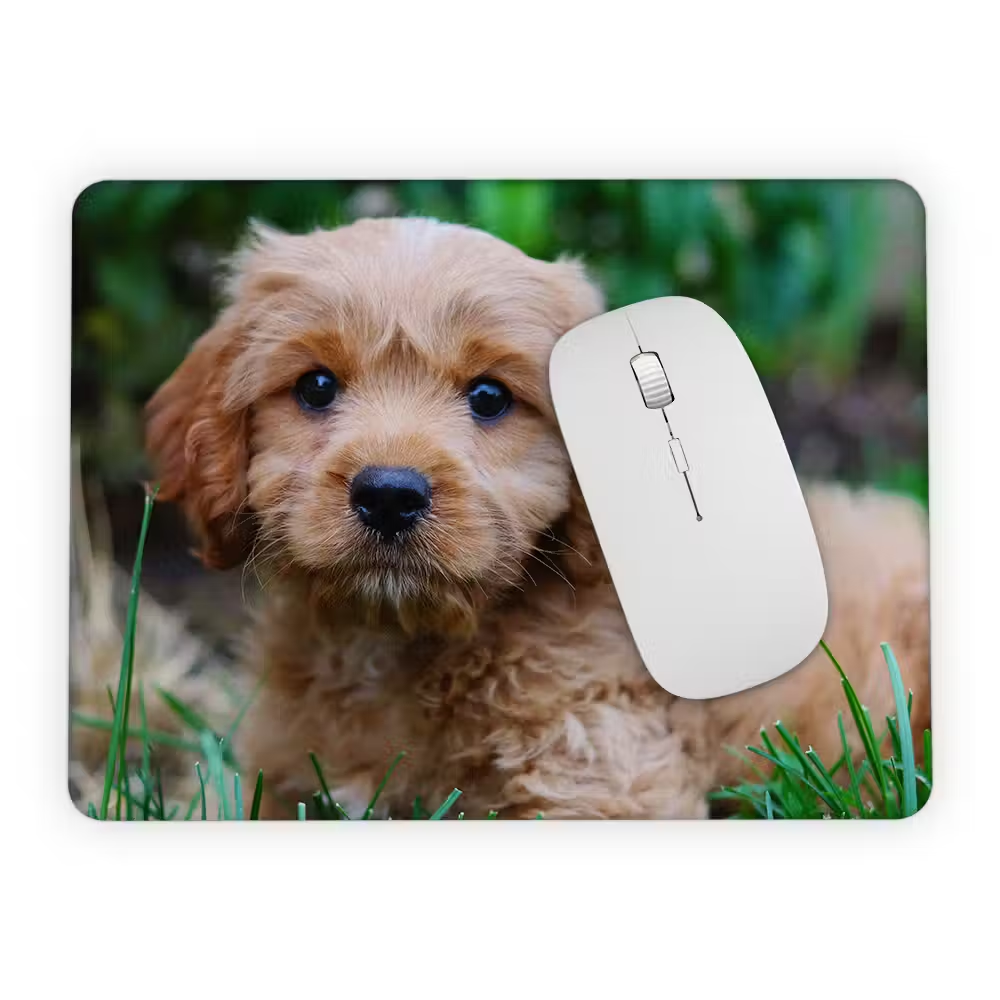
What size and shape mouse pad do you choose, and what does that mean for regular maintenance?
Our Mouse Pad comes in four orientations: round, square, portrait and landscape. You can choose from compact (such as 23x19 cm or 27x18 cm) to large (80x60), with 40x30 cm as a fine middle size and 60x40 as the most popular size. The larger the surface, the more often dust or skin grease can get on it, for example, but you also have more room to move your mouse smoothly. With a larger workstation, or when you game or work a lot, regular cleaning is even more useful because you are more likely to notice that the mouse feels slightly different.
If you're using a setup similar to a gaming mousepad experience, you especially want the tracking to remain constant across the entire surface. For those who want even more space, there is also an XXL variant, so you cover more of your desk and your movements are even freer. If your main concern is appearance, a light colour may be an extra reason to clean a little more often; for example, check out a white Mouse Pad if you want a sleek desk, but bear in mind that stains are more likely to show up. Whatever you choose: a short, gentle cleaning routine is usually enough to keep the surface pleasant.
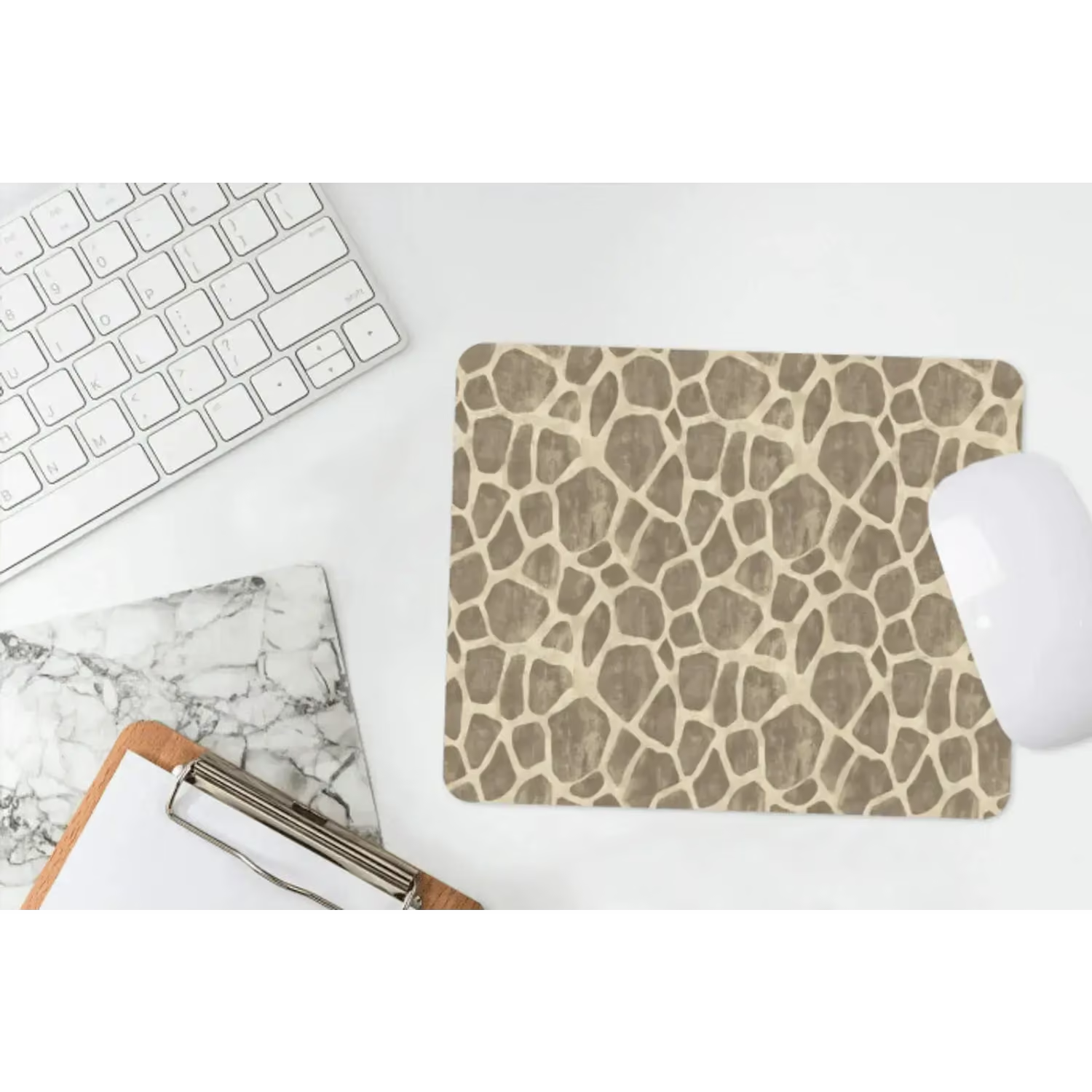
Order your vinyl Mouse Pad in the right size and keep it clean easily
If you want a mouse pad that protects your desk, works comfortably and is easy to maintain, choose our vinyl mouse pad with non-slip coating and smooth surface for good tracking. Order it round, square, portrait or landscape, in sizes from 23x19 to 80x60, including popular options like 40x30 and 60x40. If you're looking for extra space, check out the XXL Mouse Pad too. Choose your size today and experience how a clean, stable Mouse Pad makes your work and game just that little bit more comfortable.
Yes, damp wipes can be used for a quick freshen-up, as long as they do not contain aggressive additives. Afterwards, preferably wipe with a slightly damp cloth and let dry.
Use lukewarm water with mild soap and, if necessary, soak the spot very briefly, without soaking the Mouse Pad. Then go over it with a soft sponge and rub gently until the stain comes off.
If the rubber bottom has dust or grease, the grip may be temporarily reduced. Clean the underside with a slightly damp cloth, dry it well and put it back on a clean desk.
Yes, the smooth surface supports good tracking, which is nice during gaming and any game in which you want accuracy.