
how to make a poster
Poster making online: create your own poster step by step with poster templates
When searching for how to make a poster, you usually want to know quickly what steps work and how to get a result that looks really sleek. With a poster making process, you start directly from a concrete product: a poster on sturdy poster paper, with a choice of budget or premium. As a result, it's not just about the design, but also about how your image will be printed later and how long the colours will last. How to make a Poster that looks as good at home as it does on your screen? How do you make a poster that fills your wall in the right size and with the right cut-out? In this tutorial, you will learn the process as you really go through it online, including choices for paper, sizes and personalisation.
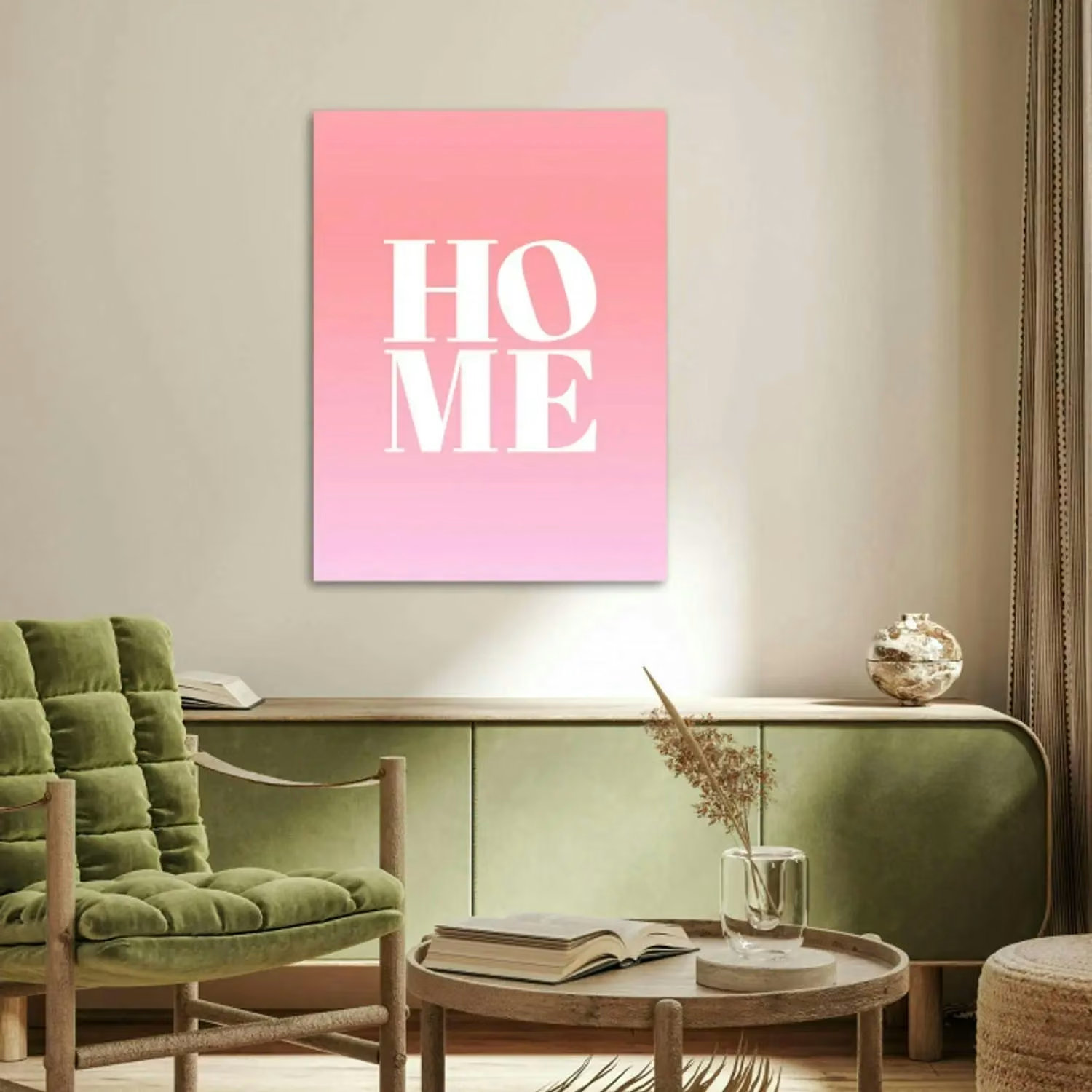
Make a poster: what do you want to achieve with it and what information should it contain?
If you make a poster, a good poster almost always starts with one clear intention: to attract attention with a photo, message or atmosphere. Before you start, think about what someone needs to see at a glance, because too much information on the Poster makes it unsettling. Do you want to announce something, like a fundraiser, or just a personal reminder on the wall with a photo? In all cases, it helps to first decide what text and images you need and what to leave out, leaving enough white space. This way, you keep a good balance between image, text and rest, and your Posters become visually appealing eye-catchers rather than a busy collage.
Online poster maker and tool: need design skills or can you just create online?
You don't necessarily need design skills to create an online Poster, as long as you work with a logical tool and a clear editor. But if you want to create your own poster that really fits as a product, it is useful if you can immediately choose paper, size and cropping in the same flow. With our online poster maker you therefore work directly towards the end result: a poster printed with a UV print for long-lasting vivid colours. This way, you create a design online that is ready to print on sturdy poster paper.
Templates and poster templates: how to choose the right poster template and colour scheme?
Starting with templates is often the fastest way to create Posters that look professional straight away. With over 2000+ designs, you have many Poster templates to choose from, from calm and minimalistic to eye-catching Posters with more contrast. Choose a template that suits your photo and your space, and then decide on a colour scheme that will enhance the mood rather than distract from it. Also pay attention to different fonts: one clear font for the title and possibly a second one for details is usually enough, so that your fonts and colours remain consistent. If you want to use free templates or Poster templates as inspiration, still take the time to choose colours that match your interior and the photo you are using.
Poster design: upload photo, select cutout and add design elements
Designing a Poster starts with uploading your photo, as this determines the style, cropping and composition. Then you select whether you want a square, portrait or landscape crop, so your image falls perfectly into the frame without leaving out important parts. Then you add design elements to personalise it: text, additional photos to create a collage, a background, a border, clipart or filters. While designing, you can also choose black and white or sepia to make the Poster even more suited to your taste or the space. This way, your own poster becomes not just a print, but a personalised poster that really suits you.
Fonts, typeface and readability
Designing a Poster is often stronger through simplicity: choose different fonts only if it really adds something to the hierarchy. Use a clear font for the main message and keep the rest quiet so that it remains readable from a distance. Do not place text too close to the edges and leave enough white space, as this will immediately make your design look neater. Also consider contrast: light text on a light photo reads poorly, so adjust your colour scheme so the message stays.
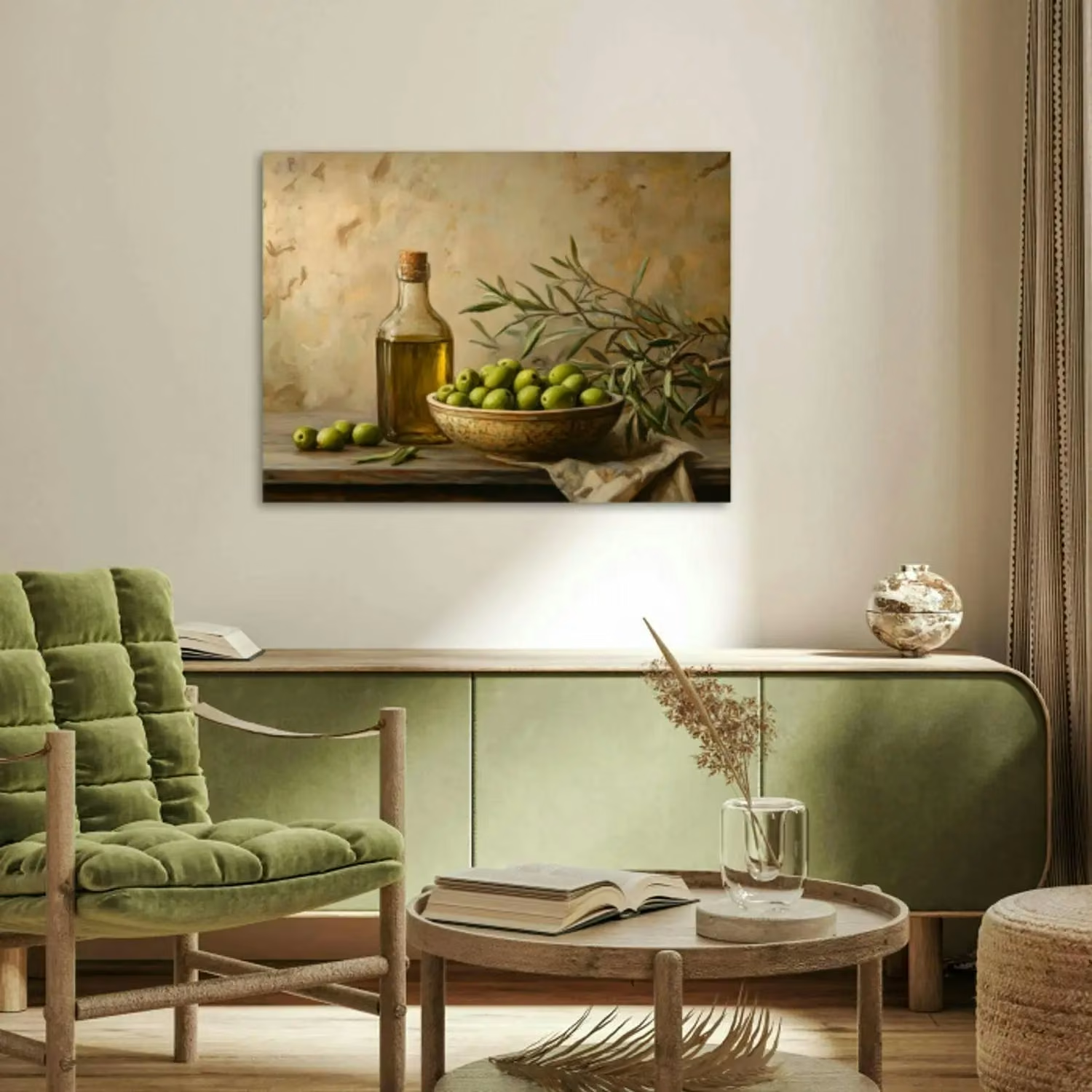
Poster printing: resolution, poster sizes and high quality on sturdy poster paper
If you want your online poster to look as good in real life, resolution is crucial, especially for large poster sizes. With a poster you can choose from many sizes, from 30x20 cm to 180x120 cm, making XXL posters online also realistic without being grainy. Your poster is printed on sturdy poster paper. UV printing keeps colours vibrant, making your Posters perfect for long-term use, both indoors and outdoors, in the sense that the image remains beautiful for a long time under normal conditions. If you want extra security, after designing your Poster you can opt for a professional photo check on colour, sharpness, quality and pixel count.
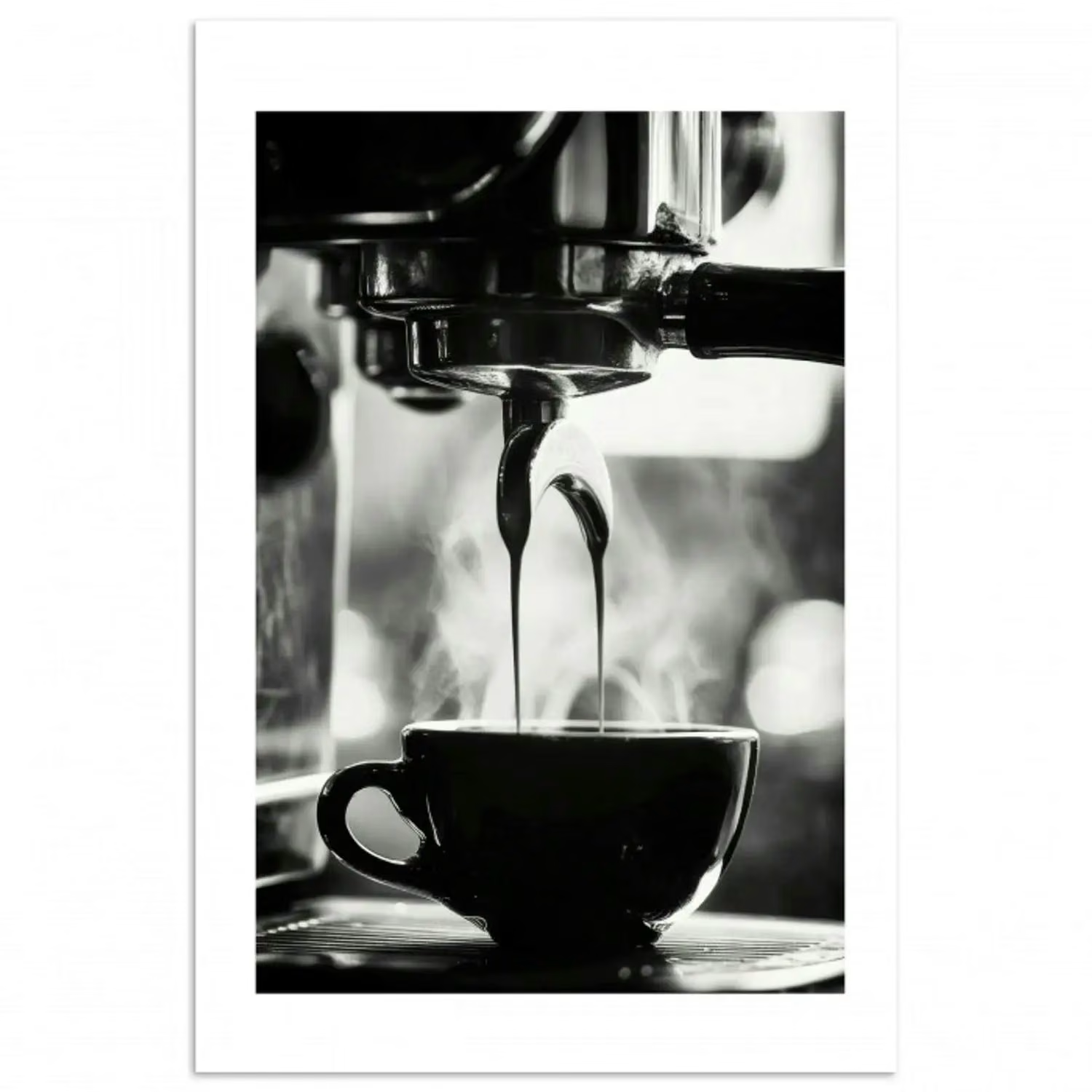
Tips for making Posters: finishes, eye-catching posters and ready in minutes
With the right choices, making Posters can be done surprisingly quickly, sometimes within minutes, without feeling rushed. Start designing by choosing one clear focal point, and build around it with calmness, white space and an appropriate colour scheme. Consider finishes in terms of the look of your design: a border can "finish" the image, filters can add atmosphere, and sepia or black and white can make the style consistent. If you are using a photo that you want to make a statement, choose a larger size and keep the text limited, giving the image space. And when in doubt, it helps to zoom out and check that your Poster can be made with a clear hierarchy: title, possibly subtitle, and only then details.
Create and order your own Poster
Would you like to make your own poster with your photo, a cut-out of your choice and sturdy poster paper? Then start with our online poster maker, choose from 2000+ designs and complete your design with filters, text and additional photos for a collage in just a few clicks. Then easily view the right size, from small to XXL, and optionally choose the professional photo check for extra security. Design your personalised Posters today and order your poster to have it delivered as soon as possible.
Yes, you can use your own photo and personalise it with text, backgrounds and other elements. For inspiration or a suitable style, take a look at a birth poster and then customise your design further.
It depends on your photo and where you hang the Poster. Portrait often works well for portraits, landscape for landscapes and square for a calm, modern composition.
Yes, you can choose styles that suit the mood of a room and combine them with your interior design. For example, look at a kitchen poster or a baby room poster as a starting point for your design.
Then the professional photo check is useful, because your image is checked for colour, sharpness, quality and number of pixels. This way, you avoid choosing a large format that does not look good when printed.